


Description
Professional Centralized Management for Access Points, Switches, and Gateways
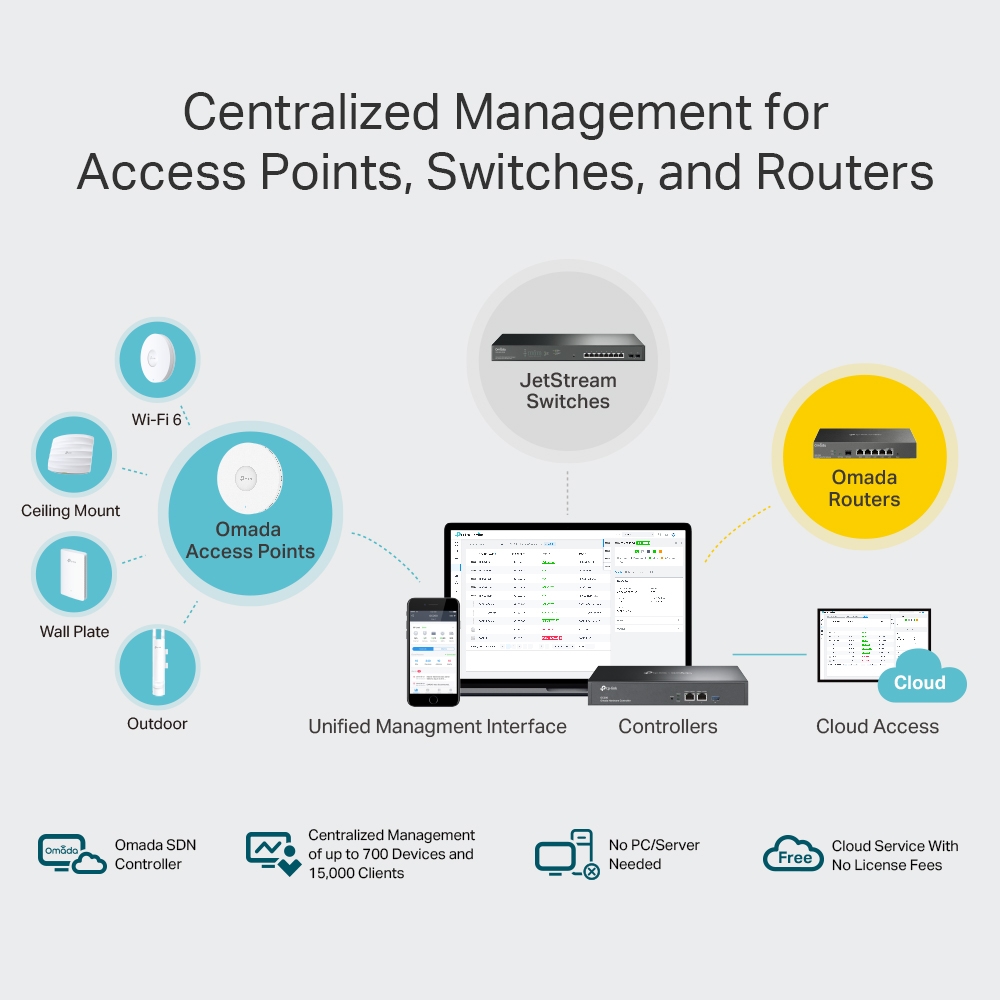
Centralized Management for
Access Points, Switches, and Gateways
OC300, the hardware controller for the Omada Software Defined Networking (SDN) platform, provides 100% centralized management of access points, switches, and gateways—all controlled from a single interface.
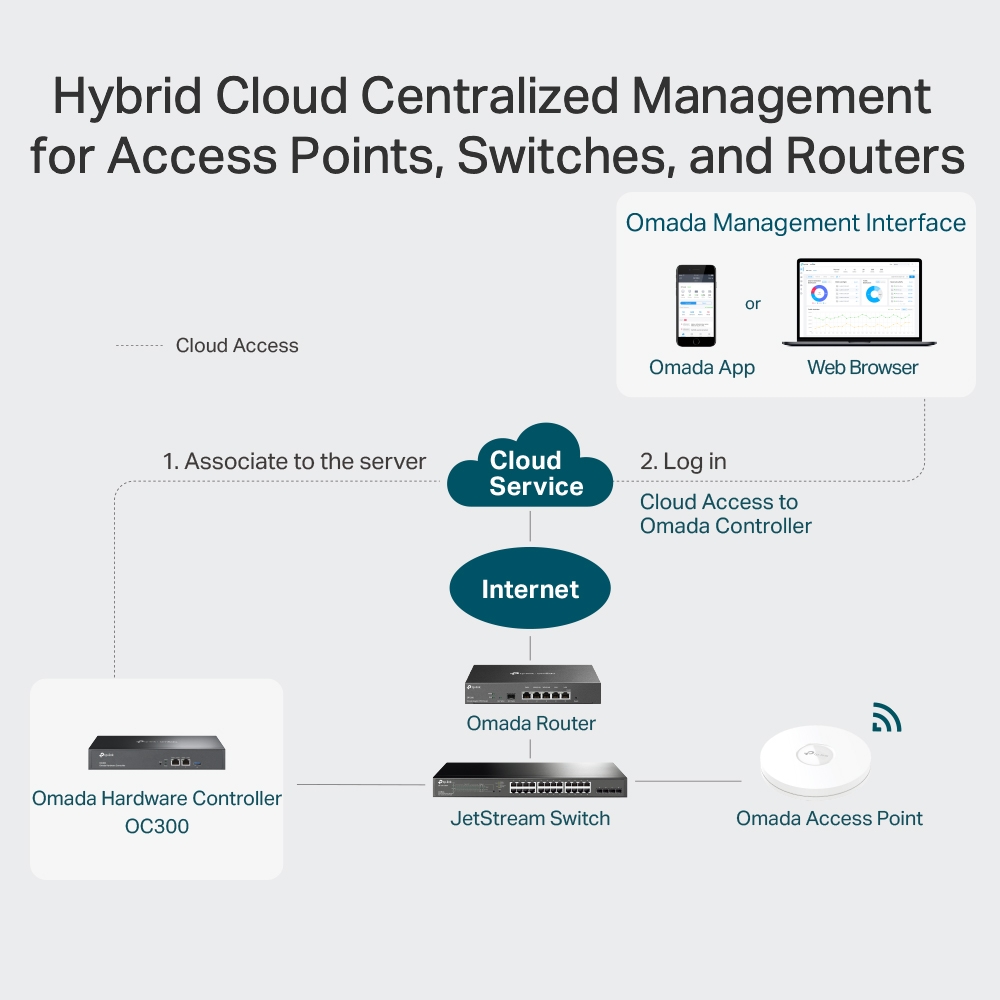
Hybrid Cloud for Maximum Convenience
Featuring hybrid cloud technology, the Omada Hardware Controller OC300 allows you to remotely control the whole network wherever you are in the world with cloud access. Locally manage devices with the ultimate security and stability.
Industry-Leading Hardware Design
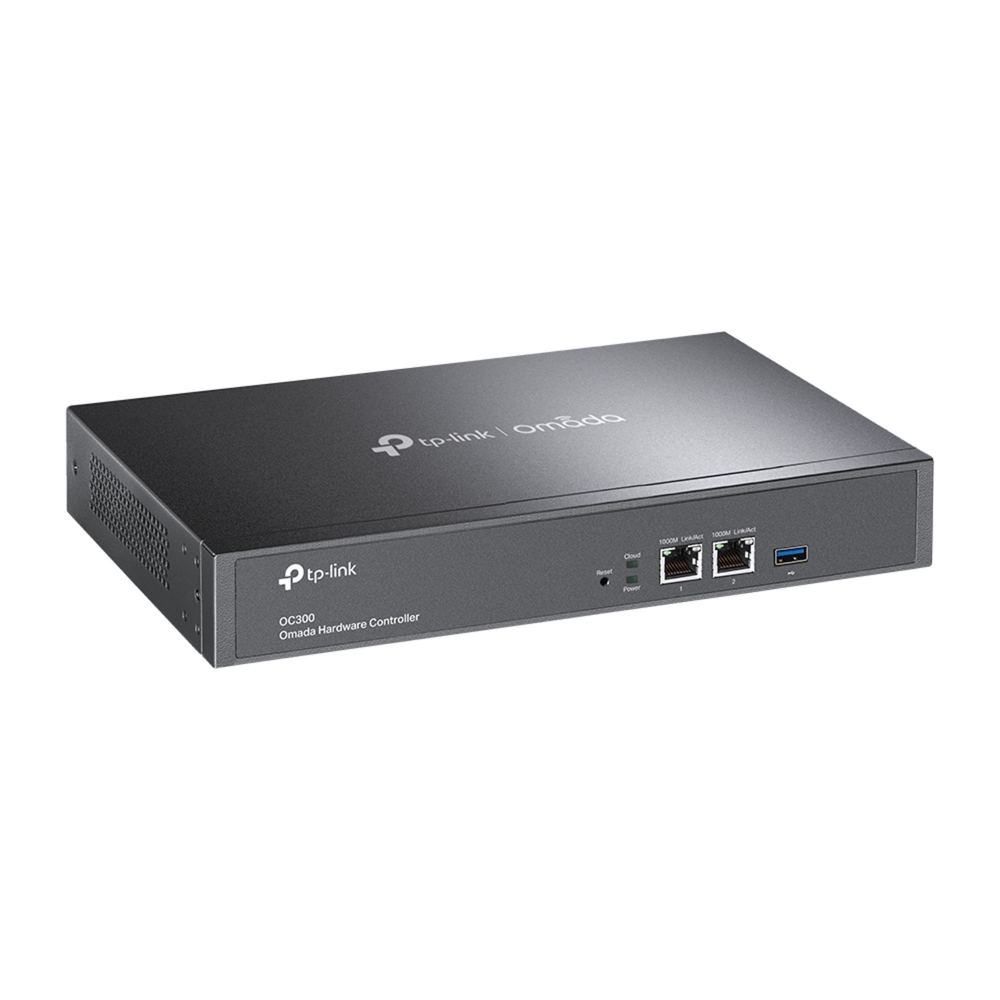
Equipped with an advanced design and the latest chipset, OC300 has enough processing power to support the massive management of your business network. Rackmount/desktop design benefits easier and flexible installation.
Easy and Intelligent Network Monitoring
The easy-to-use dashboard makes it easy to see your real-time network status; check network usage and traffic distribution; receive network condition logs, abnormal event warnings, and notifications; or even track key data for better business results. Network topology helps IT admins quickly see and troubleshoot connections at a glance.
Multiple Factors Guarantee Easier Network Maintenance
Batch Management, Multi-Site Management, and Remote Firmware Updates
Improve network maintenance without needing to configure on-site or manage devices one by one.
Powerful Scheduling
Maintain your network easily with more agile and effective processing. No manual tasks required.
Greater Convenience with the Omada App
Remotely access and configure your whole network with a tap of your phone from anywhere in the world.
Features:
- Centralized Management: Up to 500 Omada access points, 100 JetStream switches, and 100 Omada routers.
- Free Cloud Access: Manage and monitor with the Omada app or Web UI from anywhere, anytime.
- On-Premises Management: Locally monitor and manage devices with the ultimate security and stability.
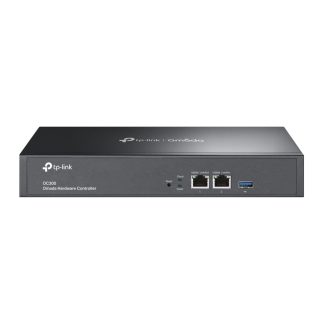
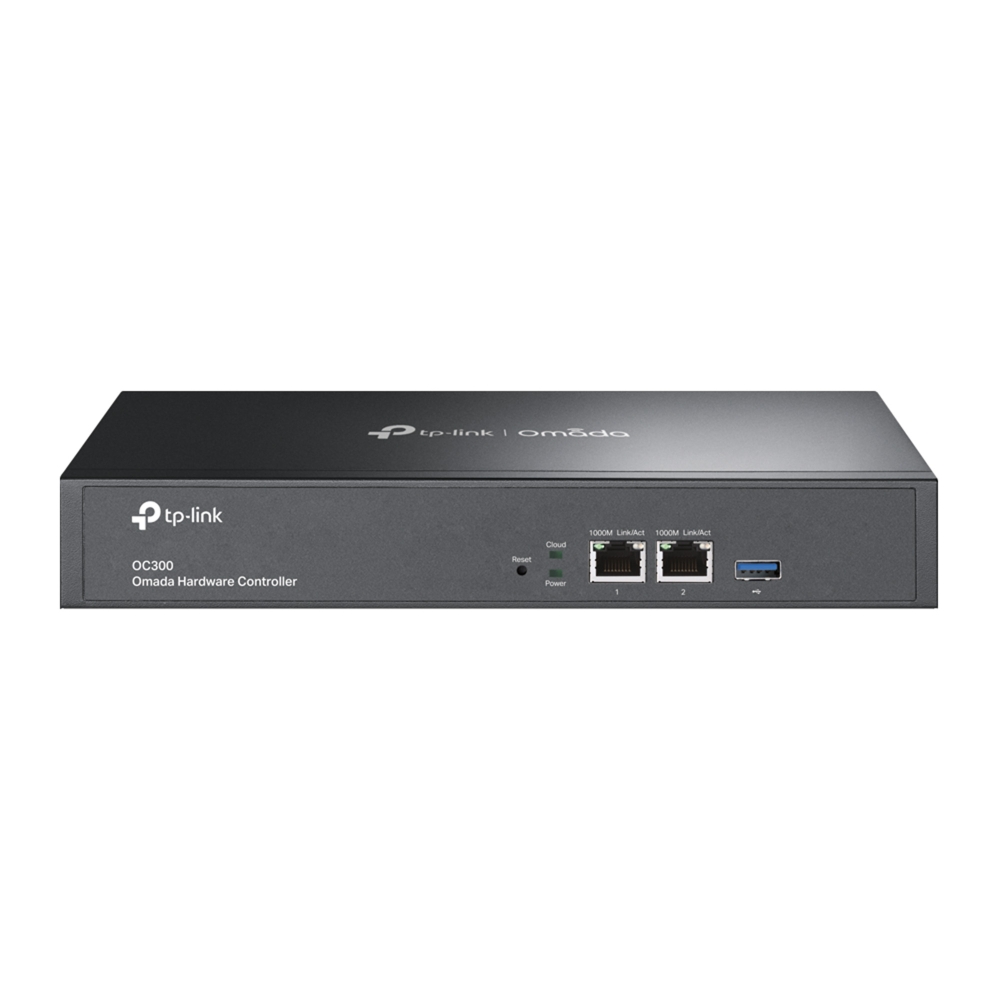
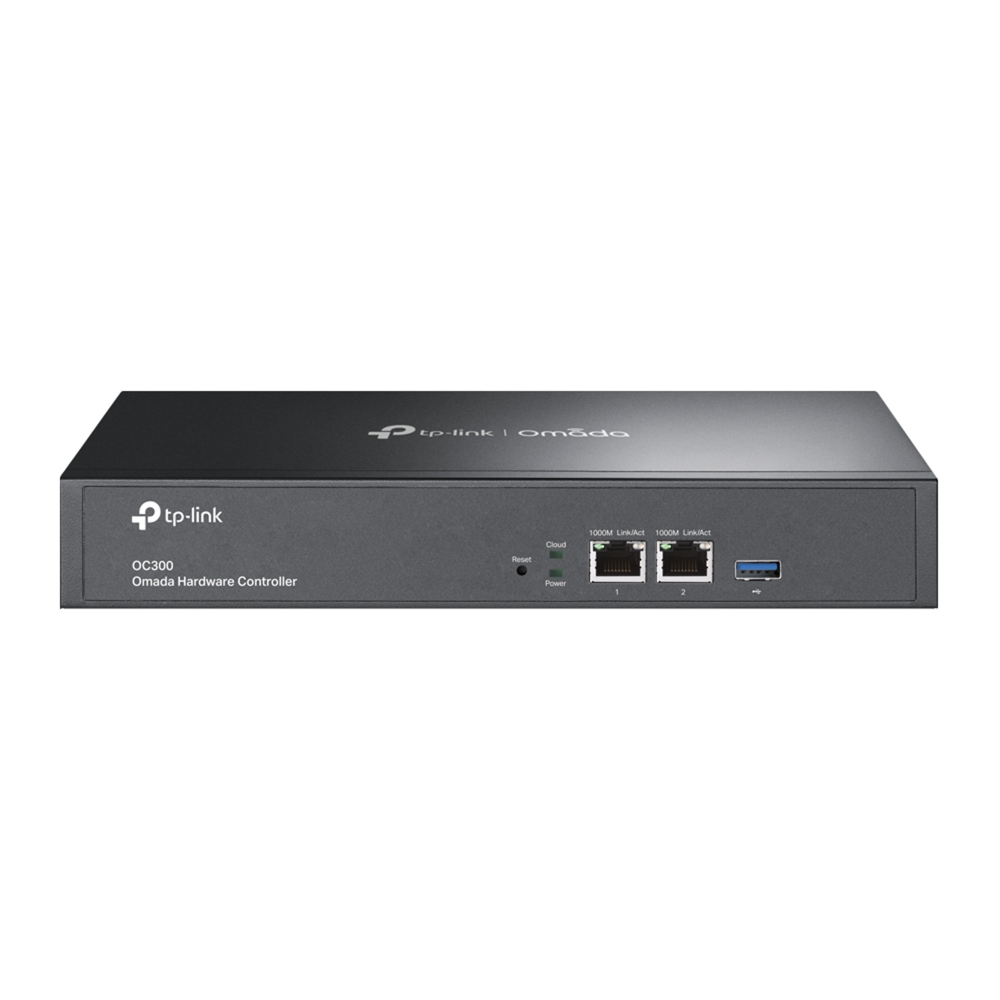
- Industry-Leading Hardware Design: A powerful chipset, durable metal casing, USB 3.0 port for auto backup, and two Gigabit ports.
- Easy and Intelligent Network Monitoring: The easy-to-use dashboard makes it simple to see the real-time network status and traffic distribution.
- Real-Time Network Topology: Helps IT admins quickly see and troubleshoot connections at a glance.
- Easier Network Maintenance: WiFi heatmap simulator, visualizable network report, and batch & multi-site management benefit network maintenance.
Specifications:
| HARDWARE FEATURES | |
|---|---|
| Interface | • 2× 10/100/1000 Mbps Ethernet Ports • 1× USB 3.0 Port |
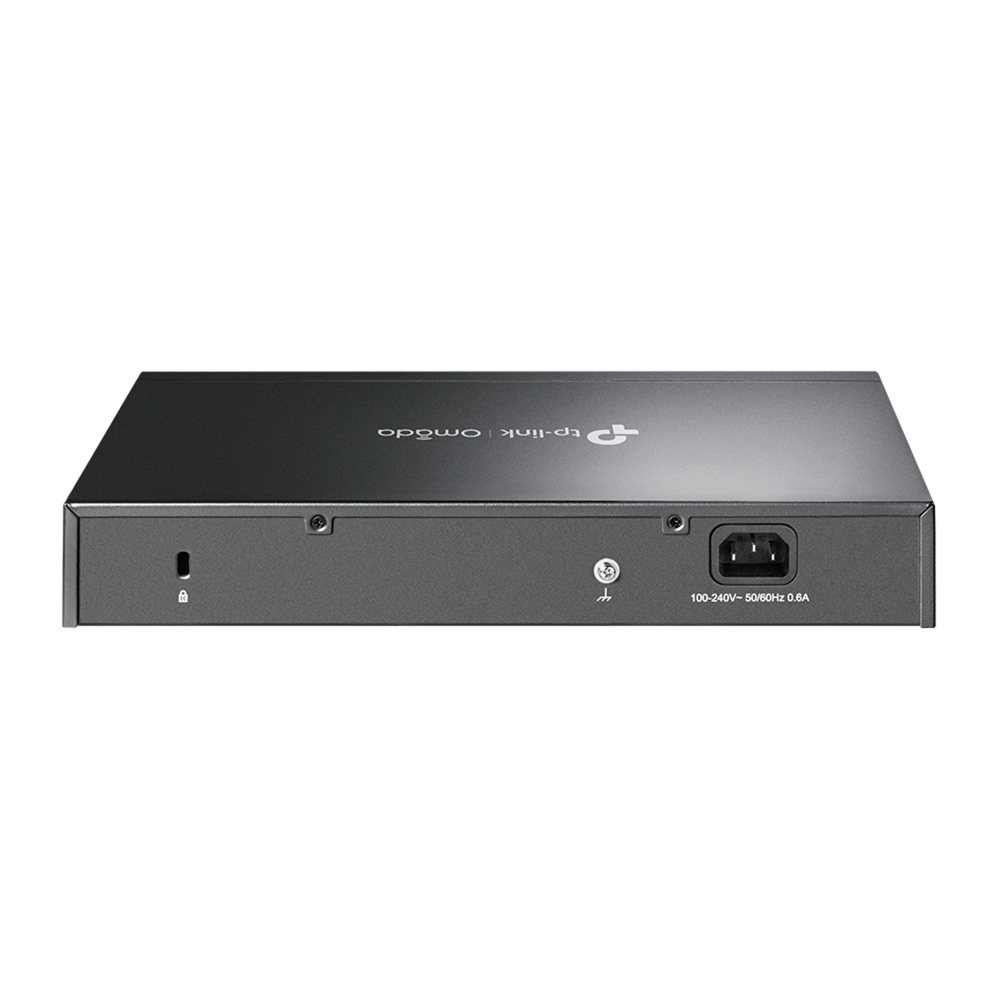
| Power Supply | 100–240 V~50/60 Hz, 0.6 A |
| Dimensions | 11.6 × 7.1 × 1.7 in (294 × 180 × 44 mm) |
| MANAGEMENT | |
|---|---|
| Omada App | Yes |
| Centralized Management | • Up to 500 Omada access points, 100 JetStream switches, and 100 Omada routers* • Up to 15,000 clients*Only some JetStream switches and Omada routers can be centrally managed by OC300, please refer to www.tp-link.com/business-networking/all-omada/ to find all the models supported by OC300 |
| Cloud Access | Yes |
| L3 Management | Yes |
| Multi-site Management | Yes |
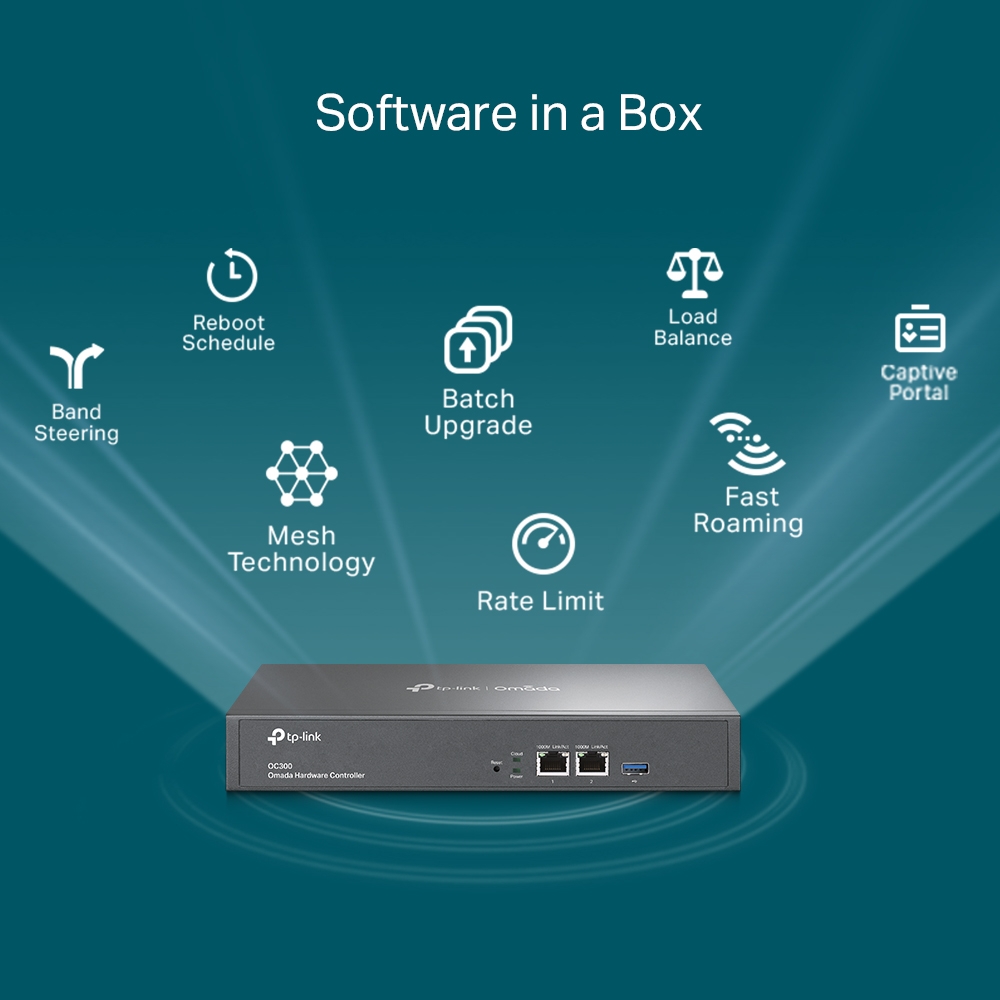
| Management Features | • Automatic Device Discovery • Batch Configuration • Batch Firmware Upgrading • Intelligent Network Monitoring • Abnormal Event Warnings • Unified Configuration • Reboot Schedule • Captive Portal Configuration |
| OTHERS | |
|---|---|
| Certification | CE, FCC, RoHS |
| Package Contents | • Omada Hardware Controller OC300 • Quick Installation Guide • Ethernet Cable • Power Cord • Rackmount Kit |
| System Requirements | Microsoft® Windows®10, 8, 7,Vista™, XP or MAC® OS, NetWare®, UNIX® or Linux |
| Environment | • Operating Temperature: 0–50 ℃ (32–122 ℉) • Storage Temperature: -40–70 ℃ (-40–158 ℉) • Operating Humidity: 10–90% RH non-condensing • Storage Humidity: 5–90% RH non-condensing |
 OC300_Datasheet.pdf